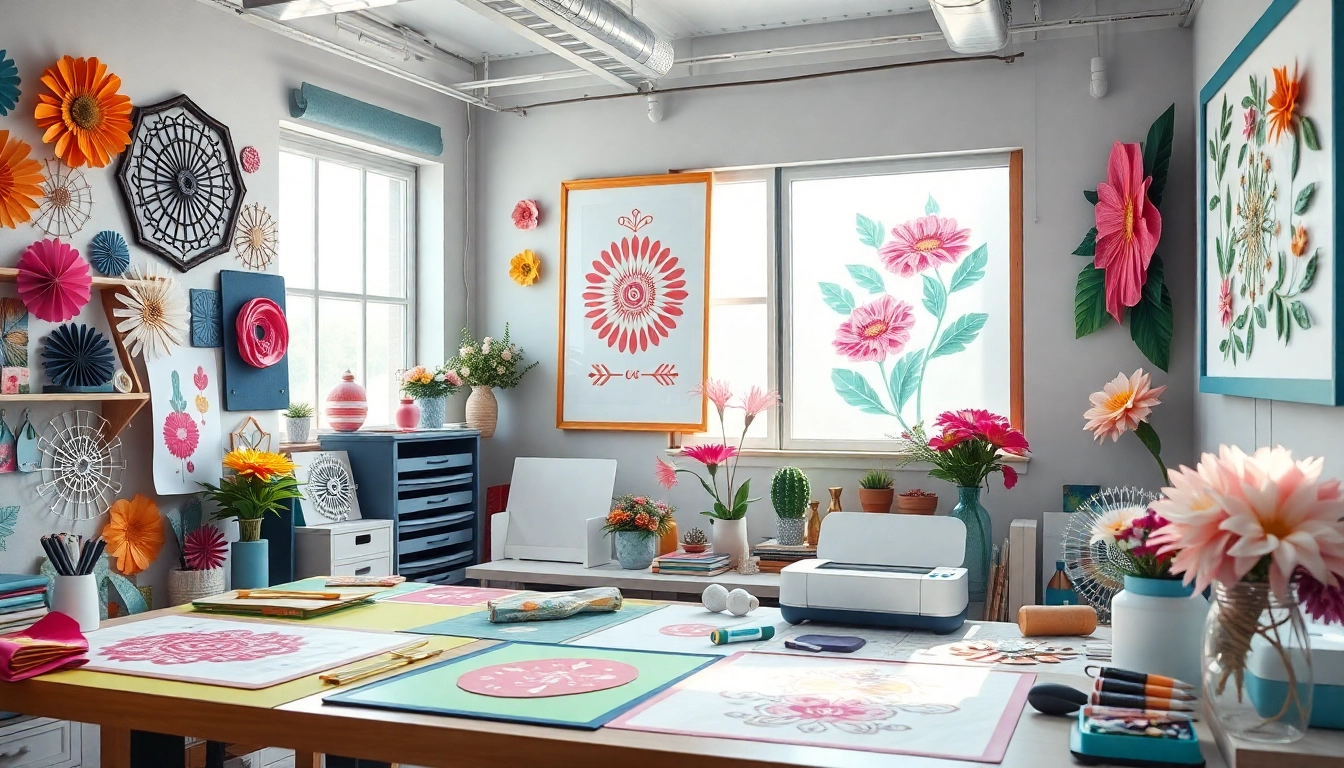
Understanding Cricut SVG Files: What You Need to Know
In the world of crafting, particularly with Cricut machines, the term "SVG" frequently surfaces. SVG stands for Scalable Vector Graphics, a file format that allows for high-quality prints and cuts without losing resolution. For Cricut users, SVG files are essential to unleash creativity and customize various projects, from home decor to personalized gifts. Understanding the intricacies of Cricut SVG files not only enhances crafting capabilities but also transforms the way you approach design and creativity.
When exploring options, Cricut SVG files can serve as a comprehensive resource for both beginners and seasoned crafters looking for inspiration.
What is an SVG File?
An SVG file is a vector file format that uses XML-based text to describe how the image should be rendered. Unlike raster formats like JPG or PNG, SVG files can be resized without any loss of quality, making them perfect for various crafting applications. These files can contain both vector images and text, allowing crafters to create intricate designs and patterns with precision.
Benefits of Using Cricut SVG Files
- Scalability: SVG files maintain their quality at any size, which is crucial for precision cutting and printing projects.
- Customization: Users can easily edit SVG files to adapt designs to their specific needs, whether for personal or commercial use.
- Compatibility: Most cutting machines, including Cricut, support SVG files, making them the standard choice among crafters.
- Efficiency: SVG files often require less storage space compared to bitmap images, leading to faster project loading and processing times.
Common Mistakes When Working with SVG Files
Despite their advantages, many crafters encounter pitfalls when working with SVG files. Common mistakes include importing files that are not properly formatted for Cricut software, neglecting to check compatibility with other design software, or failing to optimize files for cutting. Understanding these common errors can save time and frustration, helping users to achieve the best results in their projects.
How to Create Your Own Cricut SVG Files
Creating custom SVG files can enhance your crafting repertoire, allowing for unique and personalized projects. The process involves understanding design software and the capabilities of your Cricut machine.
Tools Needed for SVG Creation
- Design Software: Programs like Adobe Illustrator, Inkscape, or CorelDRAW are popular choices for creating SVG files.
- Cricut Design Space: This is essential for uploading your SVG files to your Cricut machine.
- Hardware: A computer or tablet with adequate specifications to run design software efficiently.
Step-by-Step Guide to Designing SVGs
- Choose Your Software: Start with a design program that suits your skill level.
- Create the Design: Use the drawing tools to craft your desired images or patterns.
- Export as SVG: Once your design is complete, export it as an SVG file.
- Upload to Cricut: Import your newly created SVG into Cricut Design Space to prepare for cutting.
Tips for Optimizing SVGs for Cricut Machines
To ensure the best results when using SVG files with Cricut machines, consider these optimization tips:
- Reduce Complexity: Simplify intricate designs to avoid cutting issues.
- Test Cuts: Always perform test cuts to adjust settings and confirm the design's integrity.
- Label Layers: Clearly label different layers within your design to streamline the cutting process.
Where to Find High-Quality Cricut SVG Files
Finding high-quality SVG files is vital for successful crafting projects. Numerous sources provide an array of options, from free to premium content.
Top Websites for Downloading Free SVG Files
- Design Bundles: Offers a selection of free and paid SVG files with commercial licensing.
- HelloSVG: A great resource for free SVG designs across various themes and categories.
- SVG Cuts: Features a wide variety of SVG files for different crafting machines.
Comparing Paid vs. Free SVG Resources
While free SVG files are readily available, premium files may offer more intricate designs and better compatibility with Cricut machines. Paid resources often come with licensing options, after-sales support, and a guarantee of quality that is less common with free downloads. When deciding between paid and free SVGs, consider your project's requirements and budget.
Community Recommendations for SVG Sources
Crafting communities are excellent sources for recommendations about trusted SVG providers. Platforms like Facebook groups and subreddit forums often discuss where to find the best SVGs suited for various crafting needs. Participating in these communities can lead to discovering hidden gems and niche SVG designs that may not be widely advertised.
Best Practices for Using Cricut SVG in Projects
Using Cricut SVG files effectively requires understanding the materials and techniques suited for your specific projects. Here are some best practices to guide your crafting journey.
How to Choose the Right Material for Your SVG Projects
- Vinyl: Ideal for signs, decals, and temporary applications.
- Paper: Use for making cards, decorations, and scrapbooking.
- Fabric: Perfect for sewing projects and personalized textiles.
Essential Tips for Cutting and Weeding SVG Files
Weeding, the process of removing excess material from your cut designs, can be tedious but is essential for achieving clean projects. Use tools like a weeding hook to make this task easier, and work on a light-colored surface to better visualize the excess material.
Common Challenges and How to Overcome Them
Crafters may face various challenges when using Cricut SVG files, such as misalignment or material tearing. To mitigate these issues, ensure that your blade is sharp, your material is securely attached to the cutting mat, and adjust your machine settings to match the material type.
Future Trends in Cricut SVG and Crafting
As technology advances, the landscape of crafting continues to evolve. Staying informed about future trends can position you at the forefront of the crafting community.
Upcoming Technologies in Crafting for 2026
Innovative technologies like artificial intelligence and 3D printing are beginning to influence the crafting world. These advancements may introduce new methods for creating Cricut SVG files and enhance the design process.
Emerging Design Trends in Cricut SVG
As design aesthetics shift, expect to see a rise in minimalist and sustainable designs. Crafters will likely favor SVGs that reflect personal styles and eco-friendly practices, incorporating natural materials and DIY techniques into their projects.
Predictions for the Future of DIY Crafts
Looking ahead, DIY crafting will likely move towards more integrated and community-focused solutions. Online platforms may provide enhanced sharing experiences, allowing crafters to collaborate on projects and share designs seamlessly.