

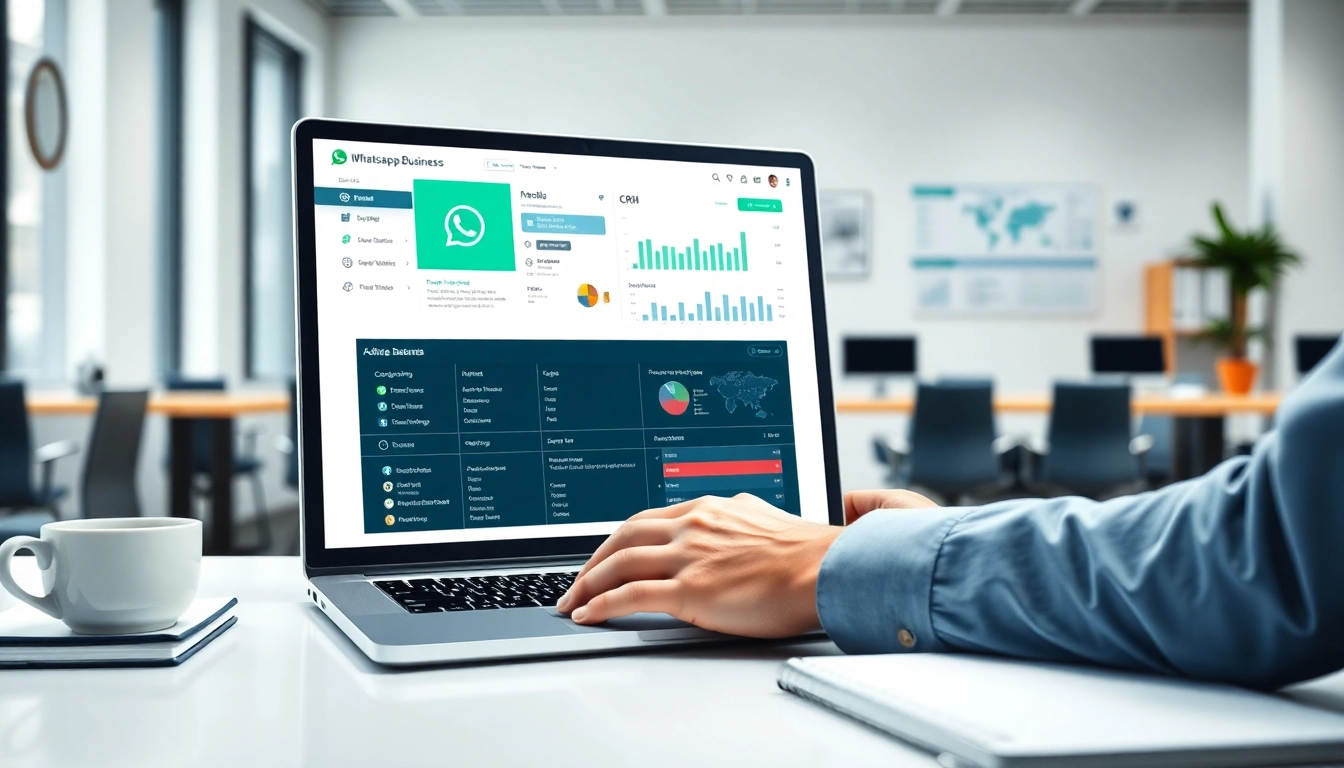
Understanding WhatsApp Business CRM
What is WhatsApp Business CRM?
The WhatsApp Business CRM combines the robust functionalities of a customer relationship management system with the widespread reach and efficiency of WhatsApp. This platform allows businesses to engage with customers seamlessly via messaging, providing a centralized hub for communication, data management, and customer service. The integration of WhatsApp into CRM systems enables businesses to keep track of customer interactions, preferences, and feedback, enhancing their ability to provide personalized services and solutions.
Key Features of WhatsApp Business CRM
The WhatsApp Business CRM is packed with features designed to enhance customer engagement and streamline operations. Key functionalities include:
- Messaging Automation: Automate responses to frequently asked questions, enabling immediate replies and improving customer satisfaction.
- Customer Segmentation: Organize and classify customers based on various criteria to tailor communication and marketing efforts.
- Analytics Dashboard: Monitor interactions, track performance metrics, and derive insights to inform business strategies.
- Integration Capabilities: Sync with other business tools such as email platforms, social media, and e-commerce systems for a holistic operational approach.
- Secure Communication: Ensures customer data is protected, maintaining trust and compliance with privacy regulations.
Benefits of Using WhatsApp Business CRM
Implementing WhatsApp Business CRM can yield significant benefits, such as:
- Enhanced Customer Engagement: Use of messaging allows businesses to engage customers directly where they spend a lot of their time.
- Improved Efficiency: Streamlines communication processes, reducing the time spent on manual responses and follow-ups.
- Personalization: Tailor customer interactions based on collected data, providing a customized experience that can drive sales and loyalty.
- Measurable Outcomes: Utilize analytics to track the success of campaigns and improve strategies based on actual performance data.
- Accessible Support: Offers customers a convenient way to reach out for help, inquiries, and issues, boosting overall satisfaction.
Setting Up Your WhatsApp Business CRM
Step-by-Step Installation Guide
To set up your WhatsApp Business CRM, follow these steps:
- Download the App: Begin by downloading the WhatsApp Business app from your device’s app store.
- Register Your Business: Open the app, choose the option to register your business number, and verify it through SMS.
- Business Profile Setup: Fill out your business profile with relevant information such as address, business hours, and website details.
- Connect Your CRM Tool: Depending on the CRM you choose, follow specific setup instructions to integrate WhatsApp into your existing system.
- Configure Notifications: Set up notifications and automated responses to enhance customer engagement.
Customizing Your WhatsApp Business Profile
A well-optimized WhatsApp Business profile can enhance customer perception and trust. Customization steps include:
- Upload Your Logo: Use a recognizable logo as your profile picture for brand identity.
- Business Description: Write a clear and concise description of your business, including services offered.
- Add Categories: Choose appropriate categories that best represent your business to make it easier for potential customers to find you.
- Set Business Hours: Clearly state when you are available to respond, which helps manage customer expectations.
- Link Your Website: Direct customers to additional information by linking your website, providing them with resources beyond messaging.
Integrating with Other Tools
Maximize the potential of your WhatsApp Business CRM through integration with various tools. Here’s how:
- Email Marketing Tools: Sync your CRM with email platforms to ensure consistency in communication and follow-ups via multiple channels.
- Social Media Management: Integrate with social media tools to manage customer inquiries from different platforms in one place.
- Reporting Software: Use analytics tools to assess data comprehensively, allowing for better strategic decisions based on customer interactions.
- Payment Gateways: Facilitate transactions directly through your WhatsApp Business CRM, providing a seamless customer experience.
Using WhatsApp Business CRM Effectively
Best Practices for Customer Communication
Effective communication is crucial for customer relationship management. Some best practices include:
- Be Prompt: Ensure timely responses to customer inquiries to enhance satisfaction and trust in your business.
- Maintain Professionalism: Use a respectful and professional tone, maintaining brand voice consistency.
- Use Multimedia: Engage customers with images, videos, and documents to enrich communication and provide valuable information.
- Segment Conversations: Tailor communication based on customer segments to ensure relevance and effectiveness.
Utilizing Automation Features
Automation can significantly enhance operational efficiency. Here’s how to utilize it effectively:
- Auto-Responses: Set up auto-responses for FAQs to provide instant information without manual effort.
- Chatbots: Implement chatbots to interact with customers outside of business hours or to handle routine inquiries.
- Scheduled Messages: Use scheduled messages for reminders, promotions, or follow-ups, ensuring timely interactions without additional workload.
Managing Customer Relationships
Managing relationships is at the core of CRM functionalities. Strategies for effective management include:
- Regular Check-ins: Proactively reach out to customers after sales or support inquiries to gather feedback.
- Personalized Offers: Use customer data to provide tailored offers based on preferences and purchase history.
- Feedback Mechanism: Encouraging customers to share their feedback improves service quality and fosters loyalty.
Measuring Success with WhatsApp Business CRM
Key Performance Indicators to Track
Measuring the effectiveness of your WhatsApp Business CRM requires tracking specific KPIs, including:
- Response Times: Evaluate how quickly your team responds to customer inquiries.
- Customer Satisfaction Scores: Collect surveys after interactions to assess customer satisfaction.
- Engagement Rates: Analyze the rate of customer interactions, such as message replies and conversation durations.
- Conversion Rates: Track how many conversations lead to actual sales to assess effectiveness.
Analyzing Customer Feedback
Customer feedback is a goldmine for improvement. Steps to analyze include:
- Collect Feedback: Use surveys or direct messages to solicit customer feedback post-interaction.
- Review Patterns: Look for common trends in feedback to identify strengths and weaknesses in your service.
- Implement Changes: Act on feedback to make informed changes, demonstrating to customers that their opinions are valued.
Adjusting Strategies Based on Data
Continuous improvement is key to business success. Strategies for adjustment include:
- Regular Data Review: Consistently review data collected from customer interactions to identify areas for improvement.
- Test New Approaches: Experiment with different messaging styles, engagement tactics, and offers to see what resonates.
- Set Goals: Define clear goals based on data insights to guide your strategies effectively.
Common Issues and Solutions
Troubleshooting Setup Problems
Common issues during setup can include:
- Verification Issues: Re-check phone numbers and ensure you follow all steps as outlined by WhatsApp.
- Integration Challenges: Consult with your CRM provider for any specific instructions or technical assistance needed for integration.
- Feature Limitations: Ensure you are using the latest version of the app and check for updates regularly to utilize the full range of features.
Addressing Customer Concerns
Customer concerns may arise, and addressing them is important for retention:
- Be Responsive: Aim for prompt response times to any complaints or inquiries customers may have.
- Provide Clear Information: Ensure that all communication is straightforward and transparent regarding products, services, and policies.
- Empathize: Acknowledge customer frustrations and seek to resolve issues amicably to maintain trust.
Frequently Asked Questions
1. What are the benefits of using WhatsApp Business CRM?
It enhances engagement, improves efficiency, personalizes interactions, and provides measurable outcomes for businesses.
2. How do I set up WhatsApp Business CRM?
Download the app, register your business number, set up your profile, and integrate it with your existing CRM system.
3. Can I automate messaging in WhatsApp Business CRM?
Yes, you can set up auto-responses and schedule messages to streamline communication with customers.
4. What KPIs should I track with WhatsApp Business CRM?
Track response times, customer satisfaction scores, engagement rates, and conversion rates to measure success.
5. How can I analyze customer feedback effectively?
Collect feedback, review patterns, and implement changes based on insights to improve customer satisfaction and service quality.


